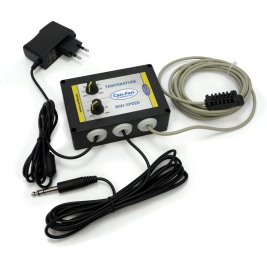
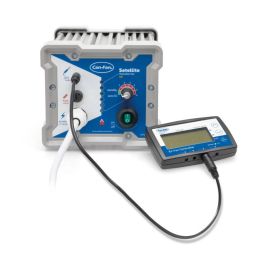
Can Fan provides you with this humidity and temperature controller, an advanced design with LCD display. It also has a good number of extra functions such as hysteresis, day/night function, negative pressure and maximum and minimum operating speed of extractors or intractors.
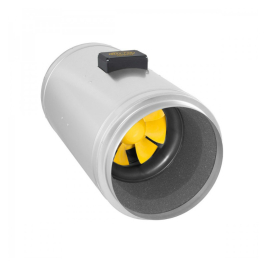
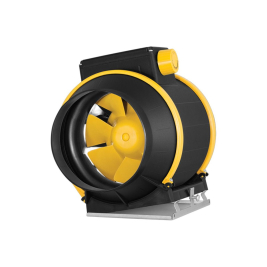
The EC humidity and temperature is only valid for use with Can Fan EC extractors, offering greater energy efficiency to the user, and guaranteeing all the necessary power.
It has an independent day and night mode to adjust temperature and humidity values for each part of the day.
It also has the ability to maintain constant temperature and humidity in the grow room, with the possibility of adjusting different options for day and night, whilst maintaining negative pressure to control odours and prevent them from escaping the grow room.
It comes with a probe that provides instant readings of the parameters in the grow area, allowing for quick and efficient regulation of environmental conditions.
Specifications Can Fan EC Humidity and Temperature LCD Controller:
- Can control up to 10 Can Fan EC extractors without needing any additional electrical protection.
- Carries out temperature control through the extractors.
- Temperature hysteresis.
- Carries out humidity control through the extractors.
- Humidity hysteresis.
- Negative pressure so odours don't escape from your grow room.
- Regulation of different temperature and humidity values for the daytime and night-time period.
- Valid for Can Fan EC extractors.
How to use the Can Fan EC Humidity and Temperature LCD Controller:
To start the Can Fan EC Humidity and Temperature LCD Controller:
- Connect the extractor line to socket 1.
- Connect the intractor line to socket 2.
- Connect the humidity and temperature probe to the Sensor socket.
- Connect the power supply to the PWR socket.
Once all components are connected, simply set the desired parameters for your room. For example, set a maximum and minimum speed, or the night and day function with the possibility of different values.